
Welcome to Kabo
Pick Up Support

Find helpful resources for your questions below or reach out to us anytime if you need more support.
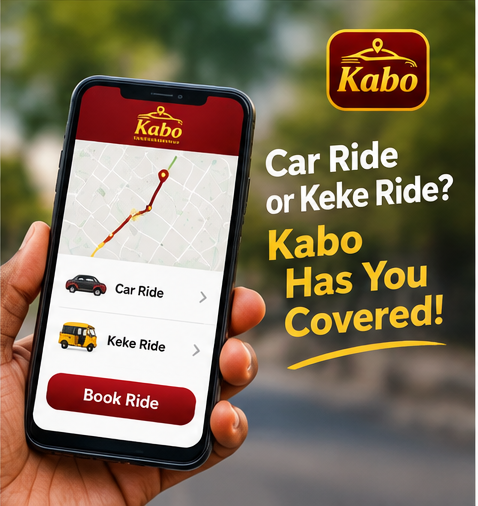
Get started

How to Get started Get started

Get Started
1
Download Kabo

Enter your phone number and confirm it with the code.

2
Set your route

Enter your pickup point and destination in the From and To fields.

3
See your fare upfront

Know the full price before the trip starts — no surprises at the end. Every trip is made up of three things: A base fare, A per-kilometer rate and A per-minute rate, for time spent in traffic or waiting

4
Meet your driver

View arrival time, car details and driver rating — then enjoy the ride.

FAQ

Frequently asked Questions

icon
For Riders

Open the app, enter your pickup point and destination, review the upfront fare and tap request. A nearby verified driver accepts and you can track them arriving in real time.

Fares are shown upfront before you confirm — based on distance, estimated time and vehicle category. The price you see is the price you pay no surge surprises at the end. Every trip is made up of three things: A base fare, A per-kilometer rate and A per-minute rate, for time spent in traffic or waiting. You see the full estimated price before you book — not an estimate that changes once you're already in the car. Why our pricing looks the way it does? We built our rates around one goal: a fair price for you, and a fair, livable income for your driver — not a rate that looks good on an ad and leaves drivers unable to cover fuel and vehicle costs. No surge pricing. Rain, rush hour, a big event nearby — none of it multiplies your fare. What you see is what you pay, every time.

You can pay in cash or through digital payment methods supported in the app, including your in-app wallet. Choose your preferred method when confirming the trip.

Yes — use Schedule Trip to pick a date and time, and we will assign a driver ahead of your pickup. Perfect for airport runs and early morning starts.

During any trip, tap the share button to send your live route and driver details to family or friends. An SOS button is also available on every ride.
icon
For Drivers

Download the driver app, register with your licence and vehicle documents, and complete verification — most drivers are approved within 24–48 hours.

Cash trips pay instantly. Digital payments collect in your in-app wallet and can be withdrawn to your account — with daily and weekly earning breakdowns in the app.

Yes — no minimum hours, no penalties for going offline. Drive whenever it suits your schedule.
icon
App issues

First, update to the latest version from the store and check your internet connection. If the problem continues, restart the app or reinstall it — and if you still need help, contact us at [Support@kabocab.com] and we will sort it out.

Make sure your phone number is entered correctly and your device has signal. The code can take up to a minute — you can request a new one after the timer ends.
Contact

Still need help Reach us anytime

icon
SEND US EMAIL

support@kabocab.com

icon
OUR LOCATION

Owerri Nigeria.